
Webhook Ingress
Simple IoT can receive telemetry from third-party platforms (ERP, MES, weather APIs, etc.) via HTTP webhook with HMAC-SHA256 signature verification.
How it works
- Create a webhook config in the console, associate it with a device. The system generates a unique
token+secretpair. - Third-party systems
POSTJSON to/iot/webhook/{token}with HMAC signature headers. - The server verifies the signature, maps JSON keys to device properties, and writes telemetry to InfluxDB.
Create a webhook
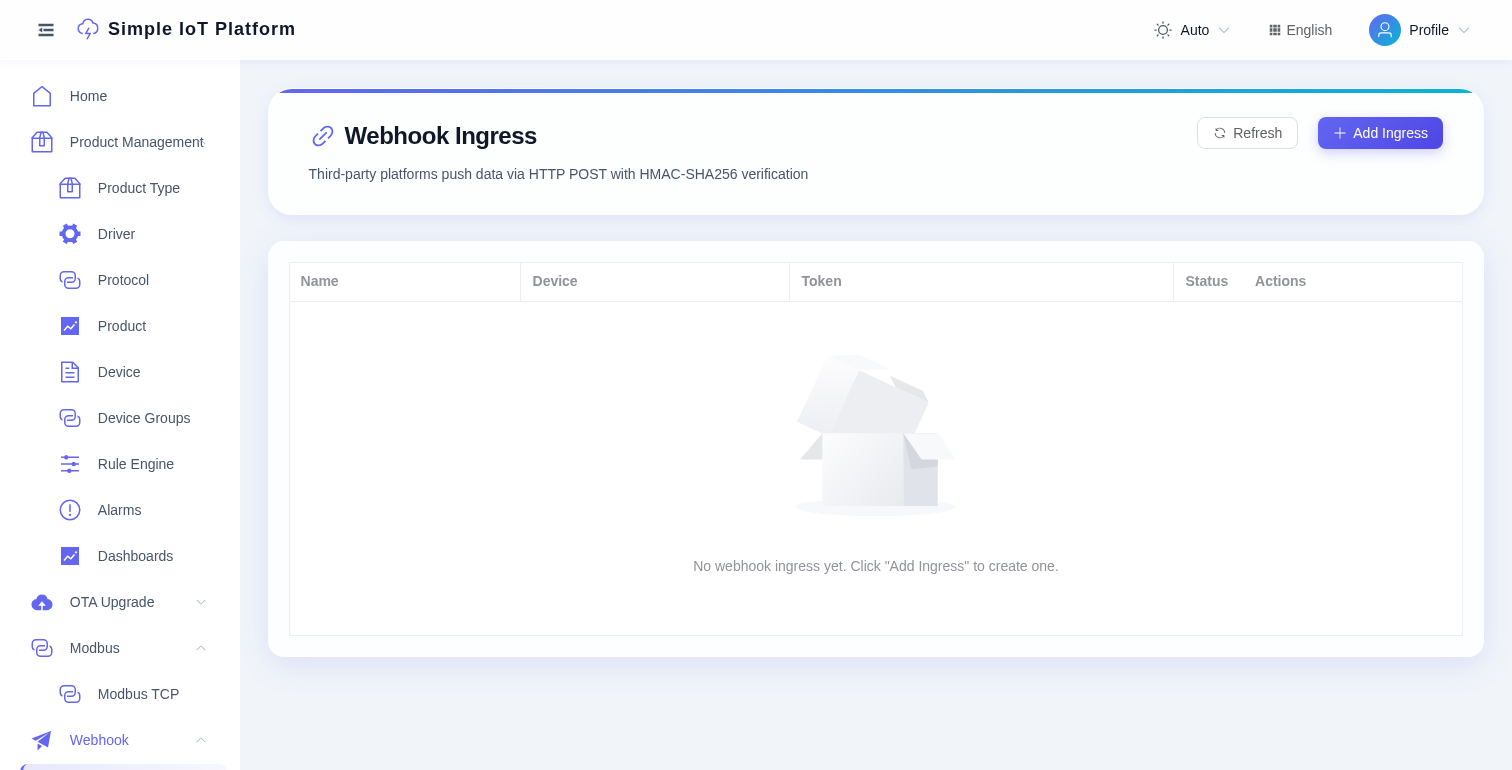
- Go to Webhook -> Webhook Ingress, click Add Ingress.
- Fill in the name, select the associated device, and save.
- The system auto-generates
tokenandsecret. The dialog shows the endpoint URL, signature algorithm, and a ready-to-copy curl command. - Copy the token and secret to your third-party system.
Signature algorithm
signature = HMAC-SHA256(secret, timestamp + "." + body)Headers:
| Header | Description |
|---|---|
X-Siot-Timestamp | Unix millisecond timestamp (must be within 5 min of server time) |
X-Siot-Signature | Hex-encoded HMAC-SHA256 |
curl example
bash
TOKEN="your-webhook-token"
SECRET="your-webhook-secret"
BODY='{"temperature":25.5,"humidity":60}'
TS=$(date +%s%3N)
SIG=$(printf '%s.%s' "$TS" "$BODY" | openssl dgst -sha256 -hmac "$SECRET" | awk '{print $NF}')

curl -X POST "http://localhost:5010/iot/webhook/$TOKEN" \
  -H "Content-Type: application/json" \
  -H "X-Siot-Timestamp: $TS" \
  -H "X-Siot-Signature: $SIG" \
  -d "$BODY"
Request format
The body is raw JSON - each top-level key maps to a device property identifier defined in the TSL model:
json
{
  "temperature": 25.5,
  "humidity": 60
}
The server wraps each key-value pair into the standard protocol format and feeds it through the normal messageUp pipeline, so rule chains, InfluxDB persistence, and WebSocket push all work automatically.
Error responses
| Code | Message | Cause |
|---|---|---|
| 401 | 签名验证失败 | Wrong signature or missing headers |
| 401 | 时间戳过期 | Timestamp outside 5-min window |
| 404 | webhook不存在 | Invalid token |
| 500 | 设备未连接 | Device offline (webhook requires an online device) |
Management
- Regenerate secret: clicking "Regenerate" produces a new token + secret. The old credentials stop working immediately.
- Enable/Disable: when disabled, the token rejects all requests.
- Usage guide: after creating or regenerating, the dialog's curl command is pre-filled with the actual token and secret - copy and use directly.